


Introduction
Remote project management tools are digital platforms that enable teams to collaborate from different locations. These tools act as a virtual office where you can assign tasks, share files, and chat with your coworkers in real time. By using these apps, managers can keep track of progress and deadlines without needing everyone to be in the same room.
Have you ever felt like your team is working in separate worlds, even though you are on the same project? When you can’t just walk over to a teammate’s desk, information often gets lost in messy email threads or buried in private chats. The right tools bridge this gap, turning a scattered group into a high-performing team that stays connected no matter the distance.
In this guide, we will explore the essential software categories for 2026, from visual task boards to AI-powered scheduling assistants. You will discover how tools like Monday.com, Slack, and Notion can streamline your workflow and reduce “work about work.” Whether you are a small startup or a large company, these resources are designed to make remote collaboration feel natural and easy.
What is Remote Project Management?

Remote project management is the way teams lead and finish projects when they aren’t in the same office. It involves using the internet to coordinate tasks, talk to team members, and track progress from different cities or countries. Instead of meeting in a boardroom, you use digital spaces to keep everyone focused on the same goals.
This style of management relies heavily on trust and clear communication. Since you can’t see your team working, you use software to stay updated on what is happening. It is all about creating a system where work flows smoothly, deadlines are met, and everyone knows exactly what they need to do, regardless of their time zone.
Benefits of Remote Project Management
Remote project management offers a lot of freedom for both managers and teams. It allows you to hire the best talent from anywhere in the world, not just people who live near your office. This diversity brings fresh ideas and different perspectives to your projects. Plus, it saves a lot of money on office rent, electricity, and expensive daily commutes.
Teams often find they are much more productive when they can control their own environment. Without the noise and interruptions of a busy office, people can focus deeply on their tasks. It also helps workers balance their personal lives better, which leads to higher morale and less burnout.
- Global Talent Pool: Hire the most skilled people regardless of their location.
- Cost Savings: Lower overhead costs by reducing the need for physical office space.
- Increased Focus: Team members can work in quiet environments tailored to their needs.
- Flexibility: Employees enjoy a better work-life balance, leading to more loyalty.
- Better Tracking: Digital tools naturally create a clear record of all work and communication.
Remote Project Management Challenges and Solutions
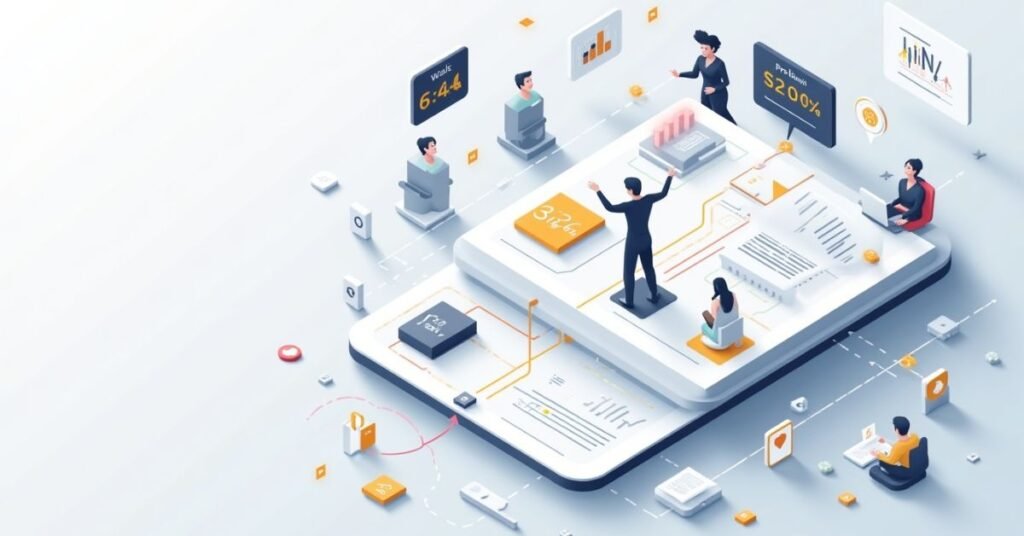
Managing a team from far away can be hard. The biggest problem is often communication. It is easy for people to feel lonely or confused without an office. Sometimes, team members live in different time zones. This makes it difficult to talk in real-time. Managers may also worry about how much work is actually getting done.
To fix these issues, use clear tools and rules. Pick one app for chatting and one for tracking tasks. It keeps all the information in one place. Schedule regular video calls so everyone feels connected. Set clear goals so the team knows what to do. Being flexible with work hours also helps people stay happy and productive.
| Challenge | Impact on the Project | Practical Solution |
| Communication Gaps | Team members feel lost or miss updates. | Use a central tool like Slack or Teams for daily chats. |
| Time Zone Differences | Meetings are hard to schedule for everyone. | Rotate meeting times and record calls for those who miss them. |
| Lack of Trust | Managers might try to micromanage workers. | Focus on the final results instead of counting hours. |
| Social Isolation | Employees feel lonely and lose motivation. | Host “virtual coffee breaks” or fun online team games. |
| Tech Issues | Bad internet or broken apps stop work. | Create a backup plan for how to talk if an app goes down. |
| Unclear Goals | People work on the wrong tasks by mistake. | Write down every task clearly in a shared project tool. |
| Work-Life Balance | Employees might work too much and get tired. | Set “off-hours” rules where no one is expected to reply. |
Must-Have Tools for Remote Project Management

Every remote team needs a central place to organize their work. Without an office, tools like Asana or Monday.com act as your digital headquarters. These apps help you assign tasks and set clear deadlines so no one is confused. You can see who is working on what at a single glance. This keeps the whole project moving forward without needing constant status meetings.
Talking to your team is just as important as tracking their work. Slack or Microsoft Teams are great for quick chats and keeping everyone connected. For deeper discussions, video tools like Zoom or Google Meet help you see faces and build better relationships. Having a shared space for files, like Google Drive, also ensures that everyone has the right documents. Using these tools together makes remote work feel simple and organized.
| Tool Type | Popular Examples | Best Used For… | Key Benefit |
| Task Management | Monday.com, Asana, Trello | Organizing daily to-dos and project timelines. | Keeps everyone accountable and on schedule. |
| Instant Messaging | Slack, Microsoft Teams | Quick questions and casual team water-cooler talk. | Reduces email clutter and speeds up answers. |
| Video Calls | Zoom, Google Meet | Weekly syncs, brainstorming, and 1-on-1 meetings. | Builds trust through face-to-face contact. |
| File Storage | Google Drive, Dropbox | Saving and sharing project documents and assets. | Ensures the latest version is always available. |
| Knowledge Base | Notion, Confluence | Storing company handbooks, guides, and FAQs. | Helps new hires find info without asking others. |
| Visual Design | Miro, Canva | Brainstorming on digital whiteboards or designing. | Allows teams to be creative together in real-time. |
| Time Tracking | Clockify, Harvest | Seeing how many hours are spent on specific tasks. | Helps with billing clients and managing workload. |
Best Practices for Successful Remote Project Management
Good remote management starts with clear rules. You must tell your team how and when to talk. Do not expect people to reply to every message instantly. Give them time to focus on deep work. Trust is more important than watching every minute of their day. When you focus on results, your team feels more respected and works harder.
You should also make time for human connection. Remote work can feel lonely if you only talk about tasks. Start your meetings with a quick personal check-in. Ask how people are doing or what they did over the weekend. This builds a strong bond between team members. Happy teams are usually the most productive ones.
Read for more info: https://expertcisco.com/project-planning-and-scheduling/
Key Habits for Success
- Set Clear Expectations: Define what success looks like for every single task.
- Over-Communicate: It is better to say something twice than to have a misunderstanding.
- Establish “Core Hours”: Find a 3-hour window where everyone is online at the same time.
- Celebrate Wins: Shout out good work in a public channel to boost morale.
- Ask for Feedback: Regularly ask your team how the remote process can be improved.
- Keep it Brief: Make sure meetings have a clear goal so you don’t waste time.
Industry-Specific Remote Project Management
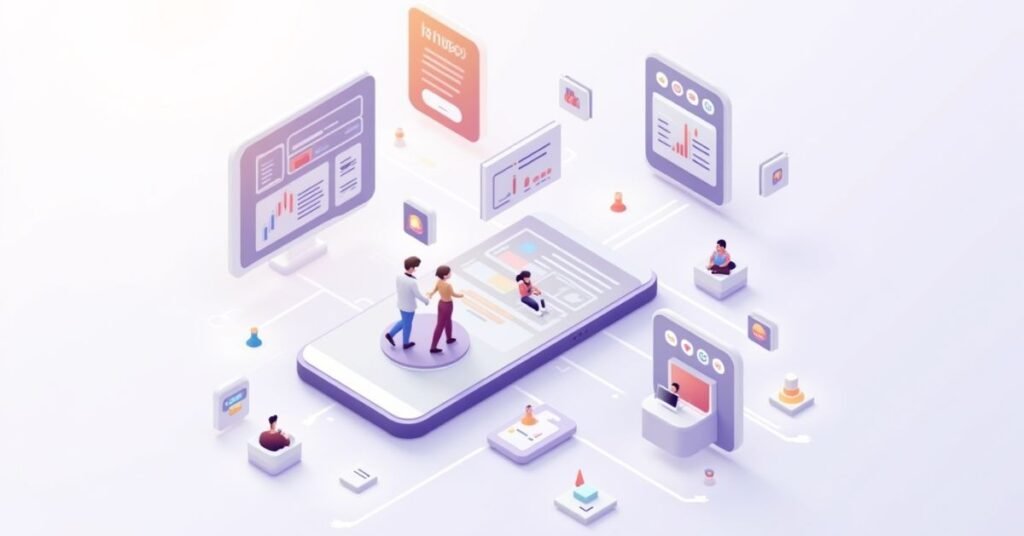
Different industries handle remote work in their own ways. Software teams often use “Agile” methods to work in fast bursts. They rely on code sharing tools to build products together. On the other hand, creative agencies focus on visual feedback. They need tools where they can draw or comment on designs in real-time. Each field picks tools that fit its specific daily tasks.
Healthcare and finance have much stricter rules for remote work. They must keep data very safe and private. These teams use encrypted platforms to talk and share files. Construction managers use remote tools to track site progress from their desks. They might use drones or cameras to see what is happening on the ground. No matter the industry, the goal is to keep everyone on the same page.
How Different Industries Work Remotely
- Software Development: Uses “Sprints” to finish small parts of a project quickly.
- Uses digital whiteboards for brainstorming and sharing ideas.
- Education: Teachers use video rooms and portals to share lessons with students.
- Legal & Finance: Uses high-security portals to sign documents and protect client info.
- Construction: Uses mobile apps to send photos of building progress to off-site bosses.
Future Trends in Remote Project Management
The future of remote work looks very exciting because of new technology. Artificial Intelligence (AI) is now a major helper for project managers. AI can predict if a project will be late before it even happens. It also handles boring tasks like scheduling meetings and writing status reports. This allows human managers to focus on leading people and making big decisions.
We are also seeing a shift toward “Hybrid” work as a permanent standard. This means teams mix remote work with occasional office visits to build better bonds. Virtual reality (VR) might soon let remote workers feel like they are in the same room. Even with all these gadgets, the “human touch” is still the most important part. Managing feelings and building trust will always be a key skill for the future.
What to Expect in the Coming Years
- AI Assistants: Tools will automatically assign tasks based on who is least busy.
- Predictive Analytics: Software will warn you about budget problems months in advance.
- Asynchronous Mastery: Teams will rely less on live meetings and more on recorded videos.
- Focus on Soft Skills: Empathy and emotional intelligence will be more valuable than ever.
- Digital Well-being: New apps will help workers avoid burnout by blocking “after-hours” pings.
- Global Talent Clouds: Companies will hire the best experts from any country without borders.
Conclusion
Remote project management is here to stay. It changes how we work, but it does not have to be hard. Success comes down to using the right tools and being clear with your team. When people feel supported and trusted, they do their best work. It is all about finding a rhythm that works for everyone involved.
The world of work will keep changing. New technology like AI will make things even faster and easier. However, the most important part of any project is still the people. If you keep communicating and staying organized, your remote projects will be a success. Just keep learning and stay flexible as you go.
FAQs
1. What is the most important tool for remote project management?
Communication tools like Slack or Microsoft Teams are essential because they replace the “office desk” for quick questions and updates.
2. How do you track progress without micromanaging?
Use a task management tool like Asana or Trello so you can see completed work in real-time without constantly asking for status updates.
3. What is the best way to handle different time zones?
Record your meetings so everyone can watch them later and try to find a “core” window of 2–3 hours where everyone is online at once.
4. How can I keep my remote team from feeling lonely?
Schedule “non-work” time, such as virtual coffee breaks or quick personal check-ins at the start of video calls, to build social bonds.
5. Is remote project management harder than in-person?
It isn’t necessarily harder, but it requires much more intentional organization and clearer written instructions to avoid confusion.